Running HPC jobs
Submitting and monitoring jobs is Trinity's core job. You describe the work; Trinity writes the batch script, submits it through the facility's API under your identity and allocation, and watches it to completion.
Supported systems
| Facility | Systems | Scheduler |
|---|---|---|
| ALCF | Polaris, Aurora, Crux, Sophia, Sirius | PBS Pro |
| NERSC | Perlmutter | Slurm |
| OLCF | Frontier | Slurm |
ALCF works as soon as you're signed in. For OLCF/NERSC, connect compute once in Settings → Authentication (see Getting started).
Submitting a job
Just ask. Trinity uses your HPC defaults for anything you leave out:
Submit a 2-node job on Polaris in the
debugqueue that runs mytrain.pyfor 30 minutes.
What Trinity handles for you:
- Writes the job script — correct scheduler directives, modules, and launch command for that system.
- Picks the allocation — your default account (or the one you name) so billing and the run directory stay consistent.
- Submits through the facility API.
- Monitors — polls status with sensible backoff and reports state changes.
- Returns results — summarizes output and points you to the files.
You can override any detail in plain language: nodes, queue, walltime, allocation, working directory, modules, or the exact command.
Watching progress — the Jobs view
The Jobs view lists background tasks and submissions with live status. A badge in the sidebar shows how many are active. Open it to see each job's state (queued → running → completed/failed), and jump back to the chat that launched it.
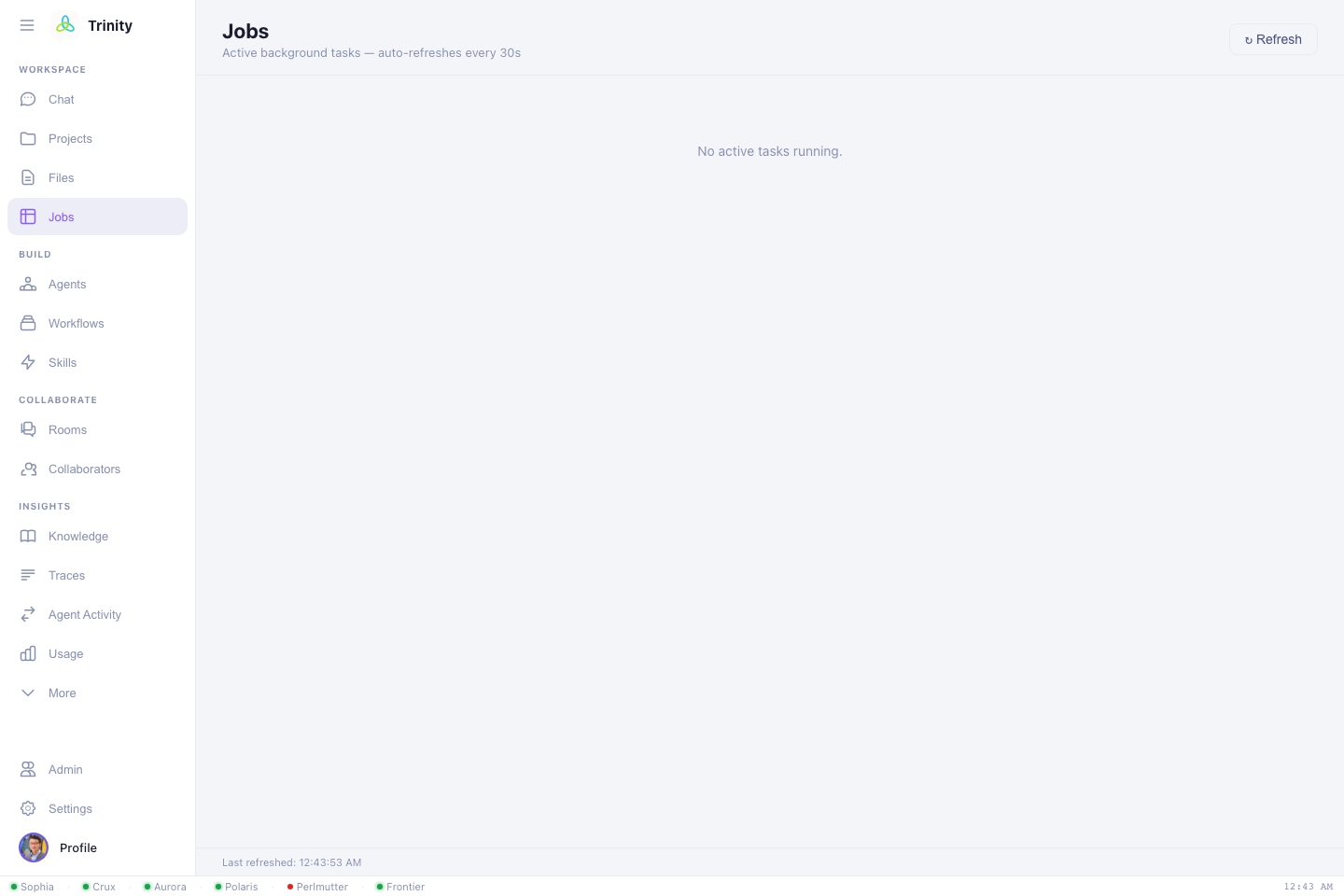
Once something is running, entries look like:
Jobs
────────────────────────────────────────────
 ● qe-scf-polaris      RUNNING    Polaris · debug · 1 node
 ✓ build-lammps-aurora COMPLETED  Aurora
 ✗ gpt2-train-aurora   FAILED     Aurora · prod · 4 nodes  → open chat
Long jobs survive disconnects
Trinity runs your request as a background task, so a job keeps running and being monitored even if you close the tab. Come back later and the Jobs view and the session will have the latest status.
Getting results
- In chat — Trinity summarizes stdout/stderr and key outputs when a job finishes.
- In Files — browse the run's working directory, open output files, and download them. → Files & projects
- Move elsewhere — ask Trinity to Globus-transfer outputs to another facility or your laptop.
Building & porting software
The same flow covers compilation, not just runs:
Build NekRS on Aurora and run its smoke test.
Port this HIP code to run on Frontier.
Trinity selects the right toolchain/modules for the target system and iterates the build on a compute node, reporting errors and fixes as it goes.
Next: Files & projects →